Adding a user with access to API and Webhook features
With Woovi you can create webhooks to be notified when a Pix payment is made. Today there are two ways to create them: through the platform or through the API.
To add a new user through the platform with access to the API and Webhook features, follow these steps:
Step 1 - Create a new user
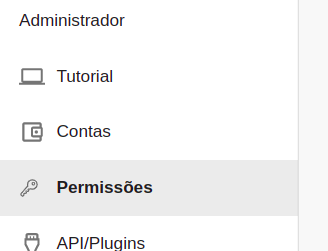
- In the admin menu, look for
permissões(permissions)
- Click
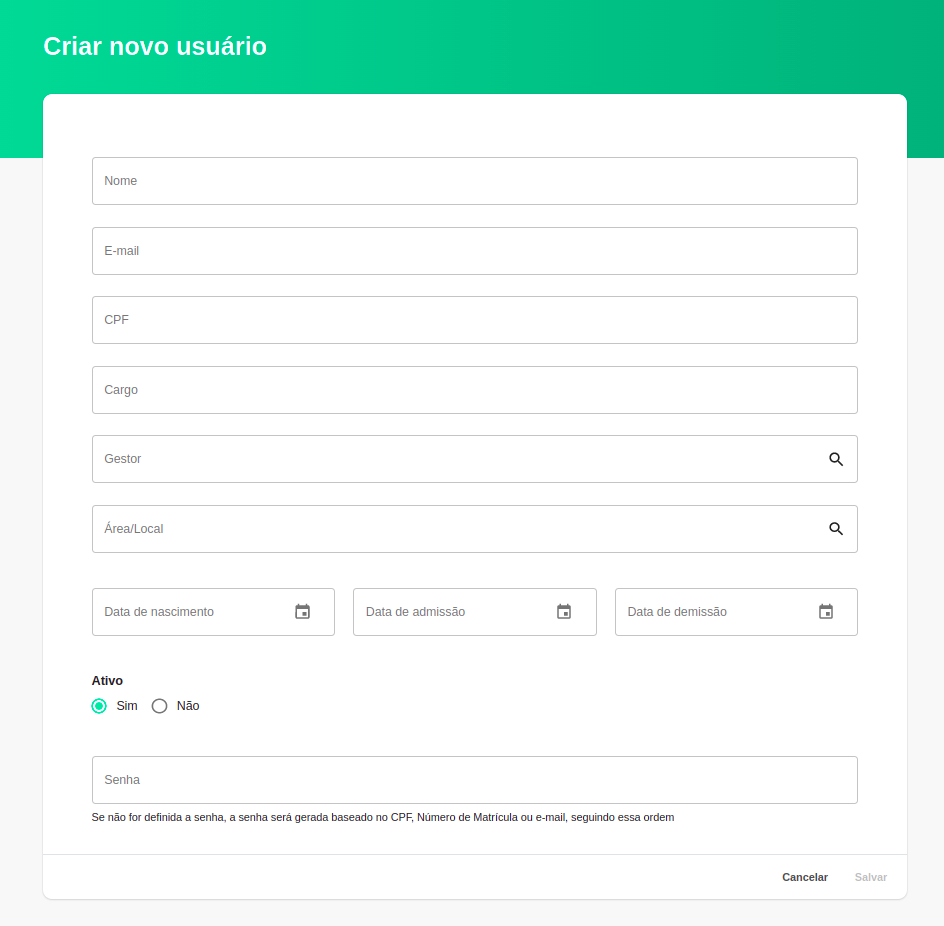
Adicionar usuário(Add user)

- Fill in all fields and click save
Step 2 - Add the OPEN_PIX::API_WEBHOOK permission to give the user access
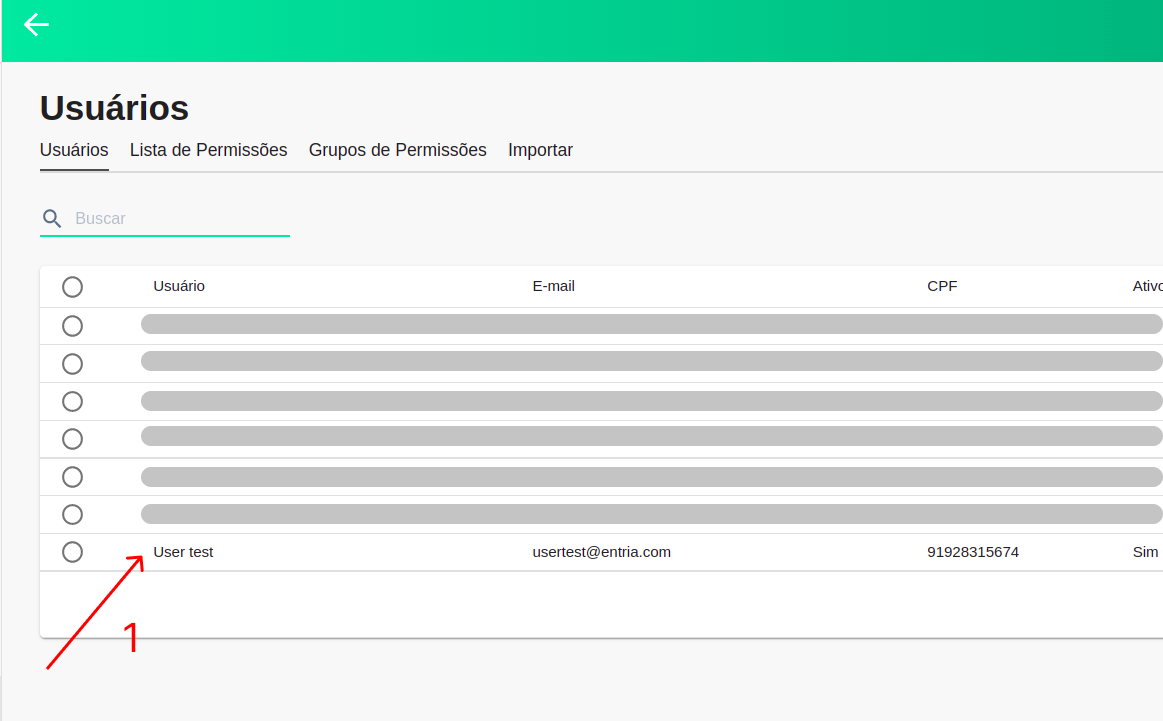
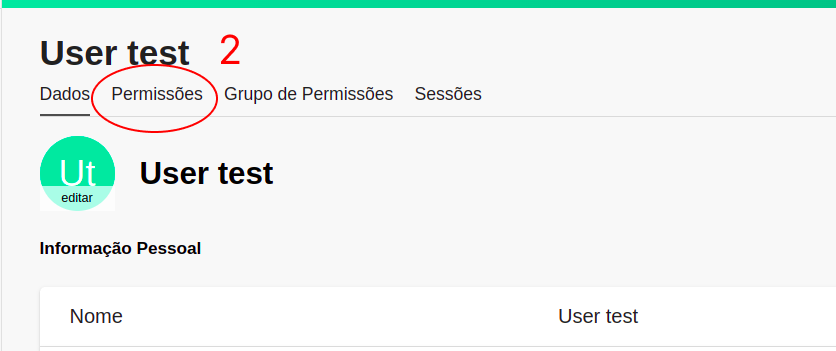
- Once the user is created, open that user's details and click
Permissões(Permissions)
- Select the
OPEN_PIX::API_WEBHOOKpermission

Step 3 - View of a user with the OPEN_PIX::API_WEBHOOK permission
- After the permission is added, the user will have access to the admin menu with
API/Plugins, where they can create new webhooks
