How do Payments work?
What are payments?
To make a payment, open the Saques e Pagamentos (Withdrawals and Payments) feature in the Woovi main menu, click Novo Pagamento (New Payment) and enter the required information:
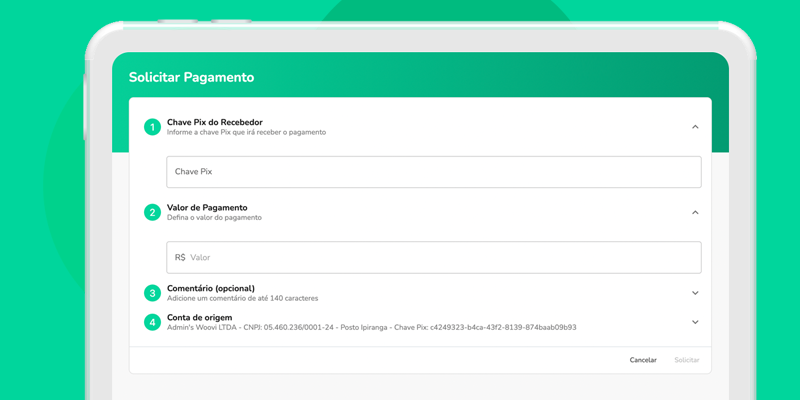
- Destination Pix key
- Amount to be paid
- Comment (optional)
Then just request the payment, approve it, and you're done! The money is transferred instantly to the recipient's account.
How much does it cost to make payments?
Each payment costs R$ 1.00 per confirmed transaction.
Who can request and approve payments?
For security, only users with the Administrator role can request and approve payments.
How long does a payment take to process?
Payments made through Woovi are processed in real time, meaning the money is transferred instantly to the recipient's account.
Why use the payments feature?
Woovi's payments feature is a fast, secure and convenient way to transfer money to other people. With Woovi, you no longer have to deal with the high fees and bureaucracy of traditional banks, since transactions are created and processed quickly and simply. In addition, all transactions are encrypted and protected by advanced security measures, keeping your data and your money safe.