Users
Woovi has all the tools you need to manage the users on your platform. Here you can find the most common questions on the subject.
Permissions
Permissions let you manage what users can do within Woovi.
How to manage user permissions
Users on the Woovi platform can have individual permissions or permission groups, making it easy to manage them both individually and as a group.
To edit a user's permissions:
- Click Permissions in the sidebar

- The list of users will be displayed. Click the user whose permissions you want to edit

- The user details page has two tabs: permissions and permission groups
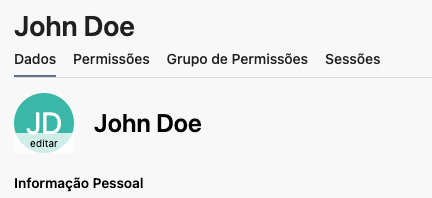
- To set a specific permission for the user, open the
Permissionstab - To set a permission group, open the Permission Groups tab