Static Pix QRCode
What is a static Pix QRCode?
A static QR Code lets you receive multiple Pix payments with the same QR Code. It's ideal for LIVE streams and physical locations.
You can set this QR Code with a predefined payment amount or leave it open for the customer to enter the amount.
How do I create a static QR Code?
- In the menu, open the
QR Codeoption

- Click
Criar QR Code(Create QR Code)

- Set the QR Code name
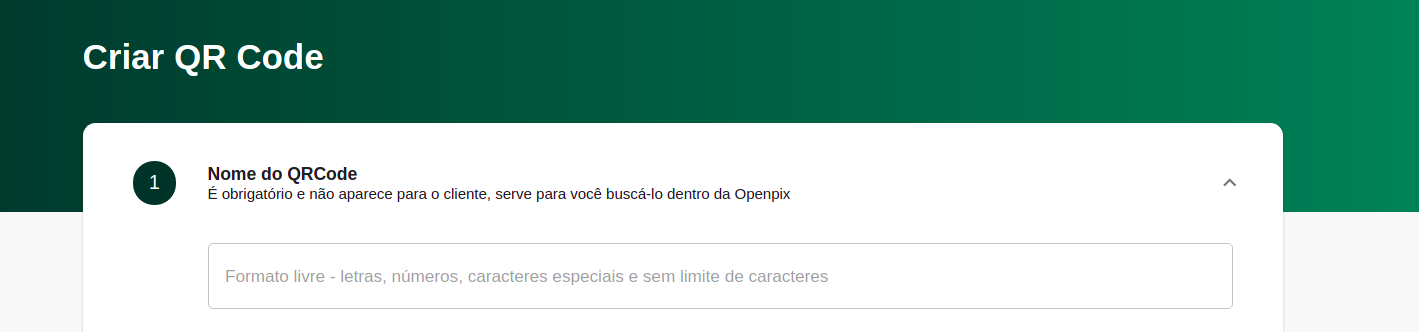
- Choose whether the QR Code is static, always with the same amount, or printed, with its amount varying according to the Pix amount

- Configure the amount settings

- Optionally, add a comment to the QR Code, e.g. expiration date, sales campaign, etc.

After configuring it, click Salvar (Save).