How to use Cashback?
To enable Cashback for your company, follow the steps below:
1. Enable Cashback
- Open
Cashbackfrom the side menu 
On your first access you will see the Cashback Tutorial.

If you have already configured your cashback and want to review the settings, learn more here
1.1 Configure Cashback
- Select enable, the cashback percentage to be generated and the minimum charge value that generates cashback
| Field | Description |
|---|---|
| enable/disable | enables the feature |
| percentage | percentage applied to the paid value of the charge |
| minimum charge value | minimum value a charge must have to generate cashback on it |
After enabling the Cashback feature you will be redirected to the overview page.
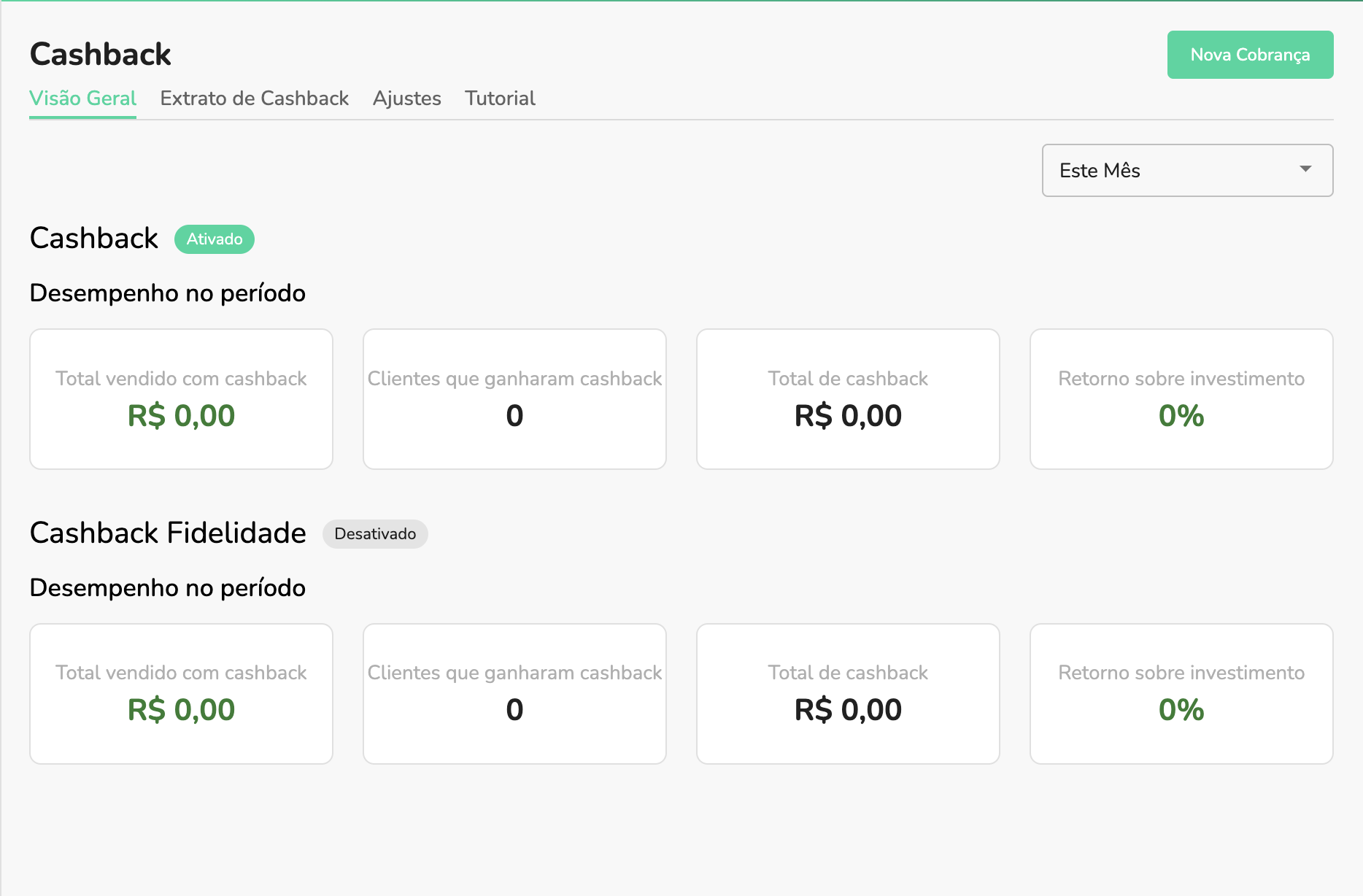
2. Create a Charge with Cashback
Once cashback is enabled, the charge form will offer the option to enable it.
For the cashback option to be available, the charge must meet the minimum value set in the configuration.
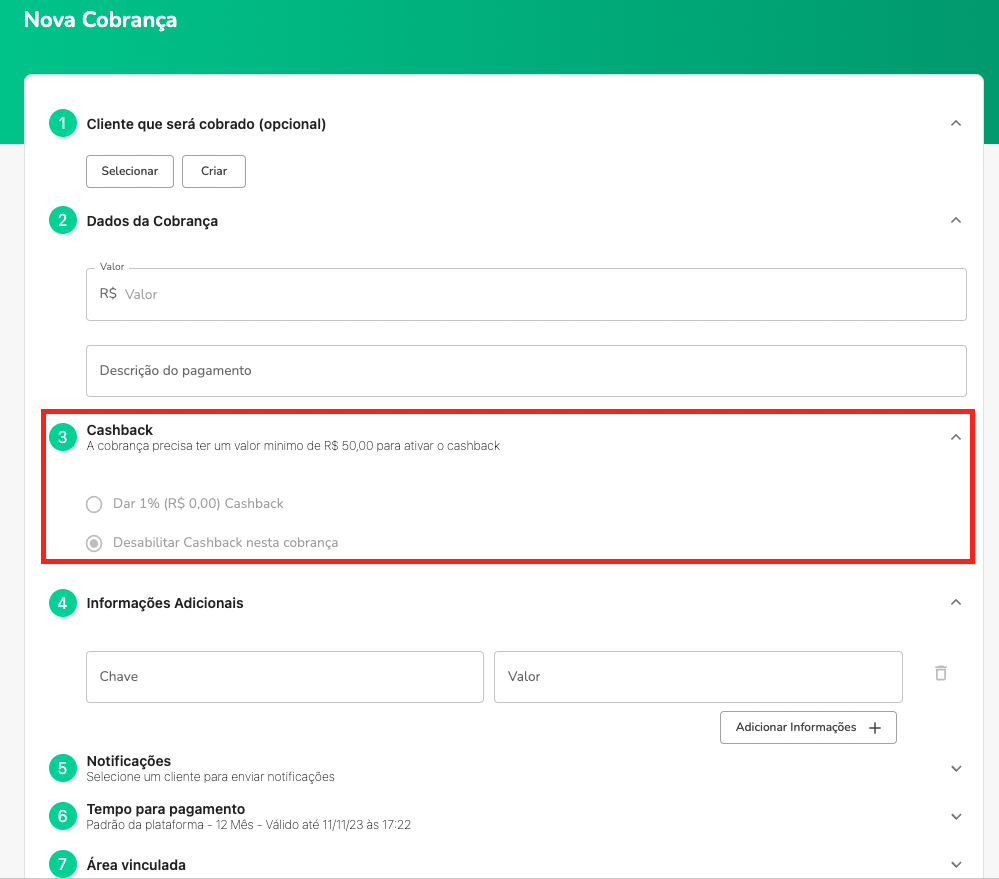
After filling in at least the minimum charge value, click to create the charge. You will be redirected to the charge details:
