Charge Pix using a BS2 checking account
Integrating your BS2 checking account
Summary
This document explains how to connect your company's checking account, held at BS2, to Woovi. Once your account is connected to Woovi, you can generate Pix QR Codes and Payment Links, use eCommerce Plugins, access the APIs, and manage and track Pix charges.
In this mode, the Pix amounts paid by your customers are deposited directly into your company's checking account at BS2.
This is one of the most common setups on the platform and is used by large companies or companies with high volumes. In this mode there is no need to open a new checking account, since your company's existing checking account at BS2 is used.
1. Getting the Client ID and Client Secret for your BS2 account
To operate with an existing checking account, you need to create a new API Key on the BS2 Empresas portal.
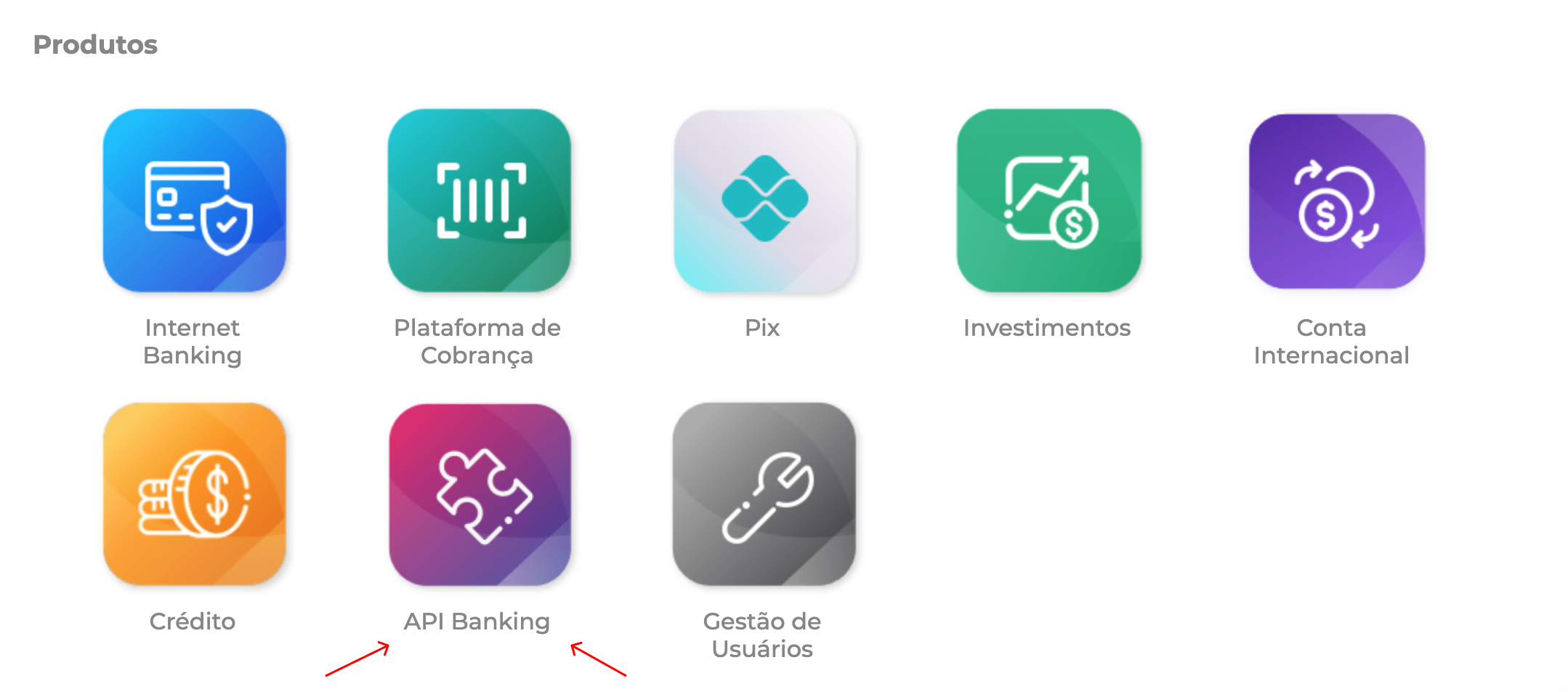
Click API Banking to generate a new API key to be used in Woovi.
2. Registering your checking account's Client ID and Client Secret on the Woovi platform
Once you have received the production credentials on the BS2 portal, just register the Client ID, Client Secret and Developer Api Key.
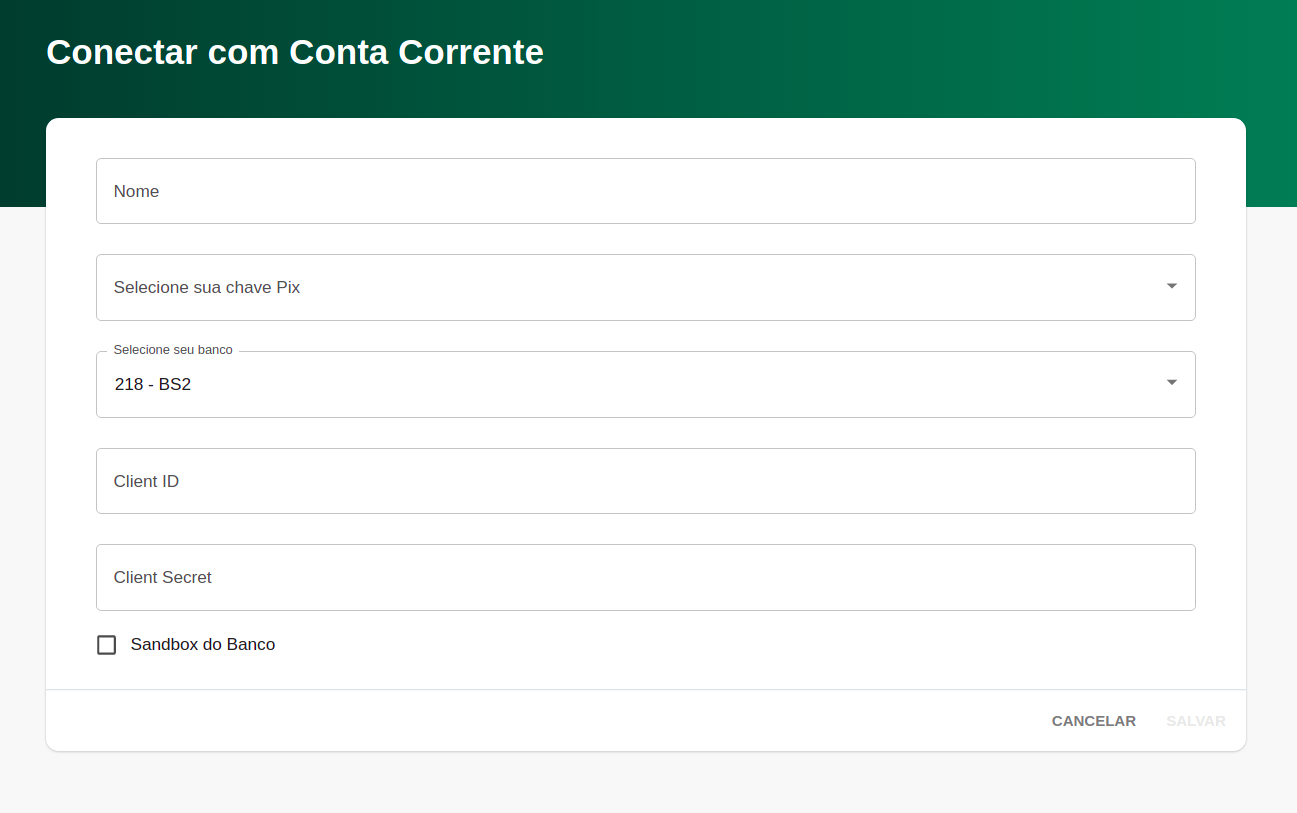
You can register more than one token, or multiple accounts.
Note: once registered, the credentials are encrypted and stored in an environment with an HSM asymmetric key. If the token is lost, this operation must be redone.
3. Testing the Token
After registering the Token on the platform, you can create charges for your customers.